Menu QR Code Generator
Give guests a direct link to your existing menu. Paste a public menu page or PDF address, then customize and download your QR.
Link your existing menu
Use an address guests can open without a staff login. Scanfolk creates the QR; your menu stays with its current host.
Templates20 presets
Applies a scan-safe palette, logo, shapes, and H correction. You can customize everything after.
ShapeSoft · Rounded
Color
LogoNone
The protected center removes QR modules; it does not add a white box behind the logo. Test the final placement before publishing.
SettingsM · 4 modules
From destination to download
- 1
Publish your menu on your own website or another host, then copy its public page or PDF URL.
- 2
Paste the address above and leave Scan tracking off for a direct QR. Customize and download the code.
- 3
Test the menu on a guest connection, then check an actual-size print at the table under service lighting.
A table tent with one clear destination
Lead with “View our menu,” place the QR below it, and include your restaurant name and readable menu URL. Check that the full menu opens without an account before printing a batch.
Plan your print dimensions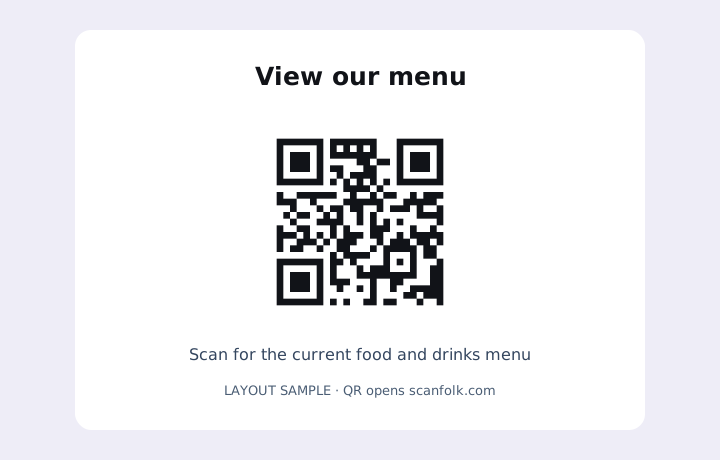
What happens after a scan
A scan opens the menu address in the device's browser or PDF viewer. Loading the menu requires connectivity. Scanfolk does not upload PDFs, host menus, manage dishes or take orders.
Where it fits
- A table tent with a readable menu label
- A takeaway bag insert
- A window sign with a public menu preview
Before you share or print
- Replace an editing or expiring download link with a stable public URL.
- Check mobile reading: text size, download size, current prices and allergen information.
- Keep the same address when updating the hosted menu. A direct QR cannot be edited to point elsewhere after printing.
- Check glare, table distance and the final material. Offer a readable URL or another way to request the menu.
Common questions
Can I upload a menu PDF here?
No. Upload it to your own website or file host first and paste a public link. Scanfolk creates the QR image.
Can I update dishes without printing another QR?
Yes, if you update the menu at the same address. If that address changes, a direct QR needs replacing.
Does this include ordering or a menu builder?
No. It links to the menu or service you already use.
Explore every QR tool.
Choose a specific payload, keep customizing in Standard, or move into a scan-tested Creative direction.