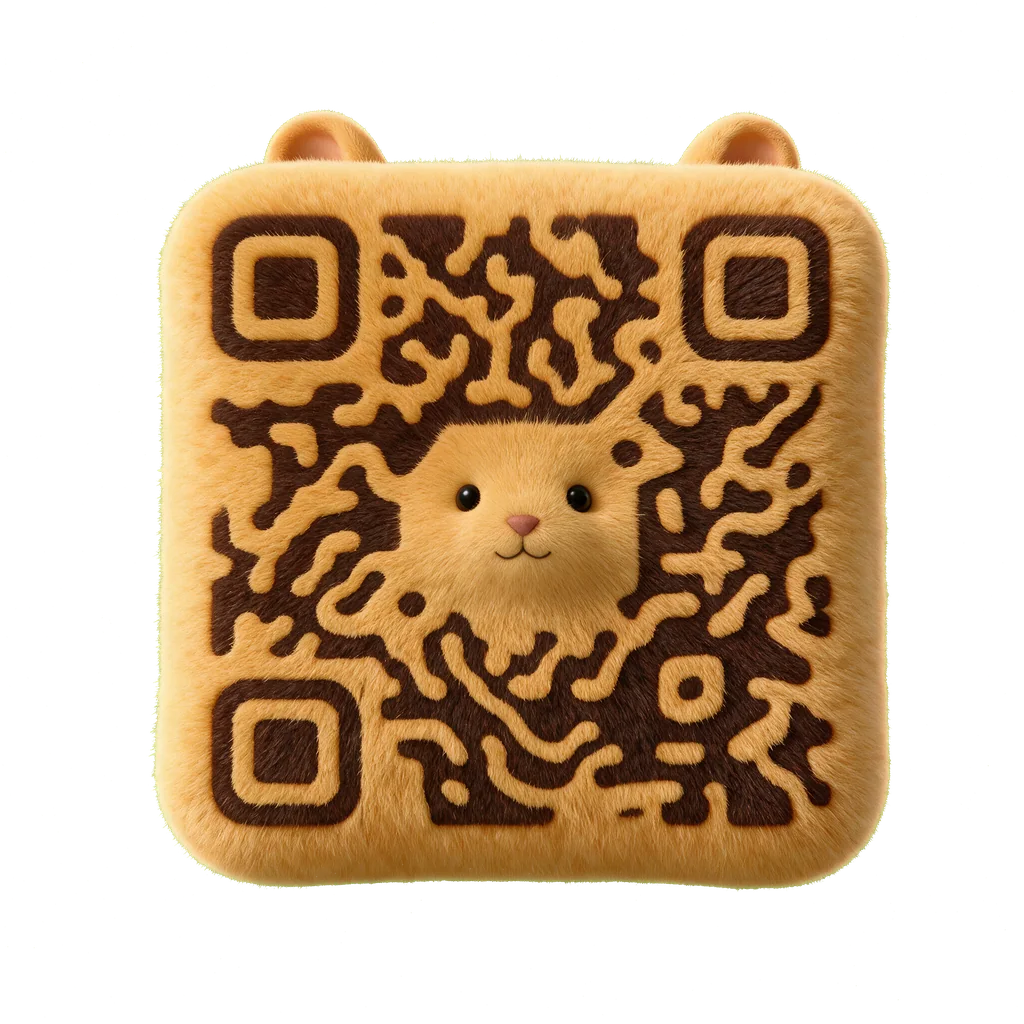
Character
Hamster
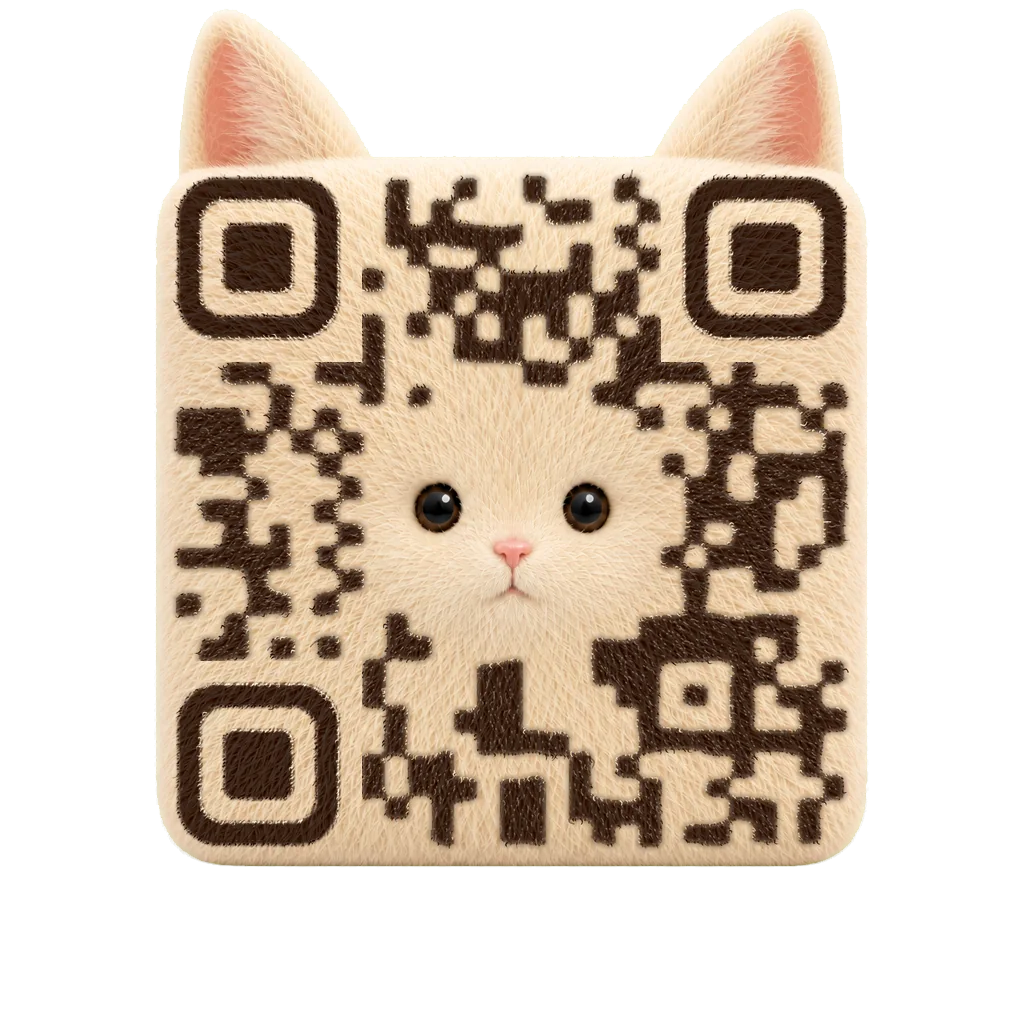
The QR body becomes a soft character while the finder geometry stays structurally recognizable.
Hamster artifact · exact payload recordedExplore QR codes shaped as characters, tactile objects, and graphic materials—then generate your own from a tested template in Scanfolk’s AI generator.
Rabbit artifact · recorded digital gate accepted
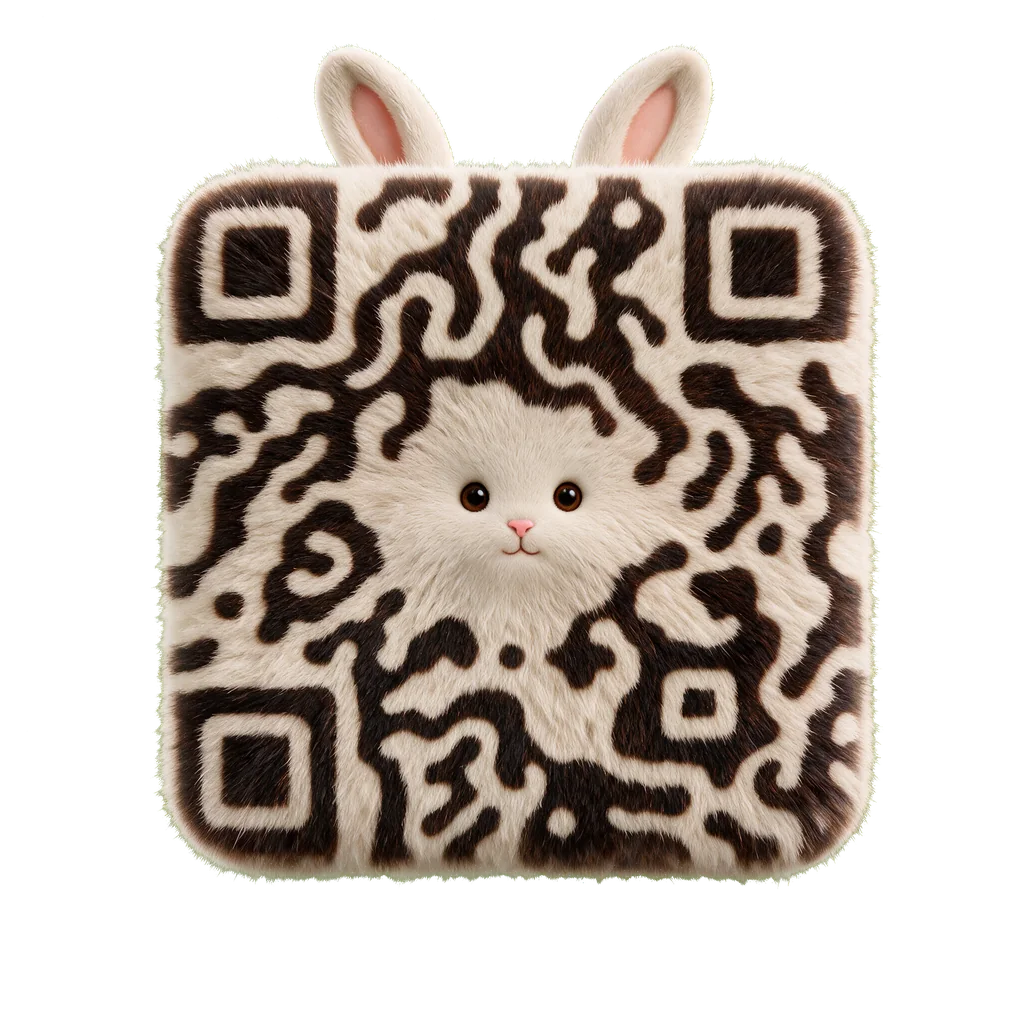
Beautiful is not one style.
The QR body becomes a soft character while the finder geometry stays structurally recognizable.
Hamster artifact · exact payload recorded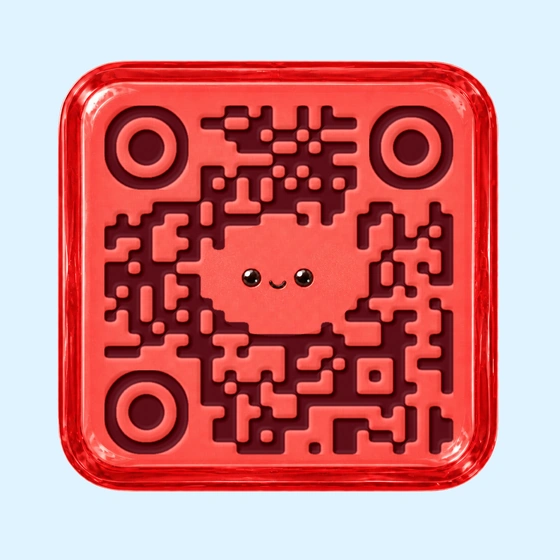
Pressed candy depth, gloss, and a small face turn the code into a branded object rather than a decorated square.
Displayed artifact · digital decoder checks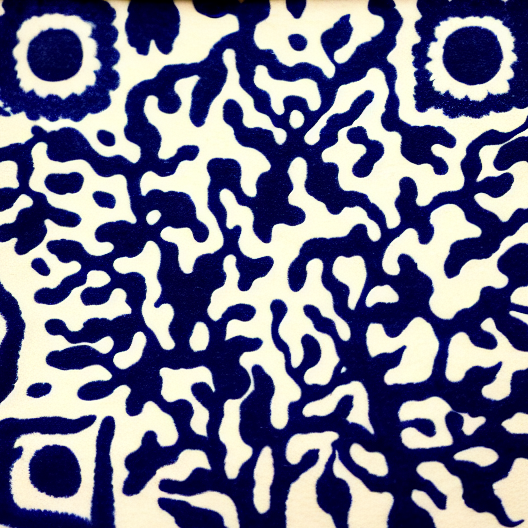
Connected indigo fibers carry the code through a paper-like abstract composition.
Source reference · 15/15 digital checksA character earns attention. An object makes the code feel ownable. A material lets it sit naturally inside editorial and brand systems.
Describe your direction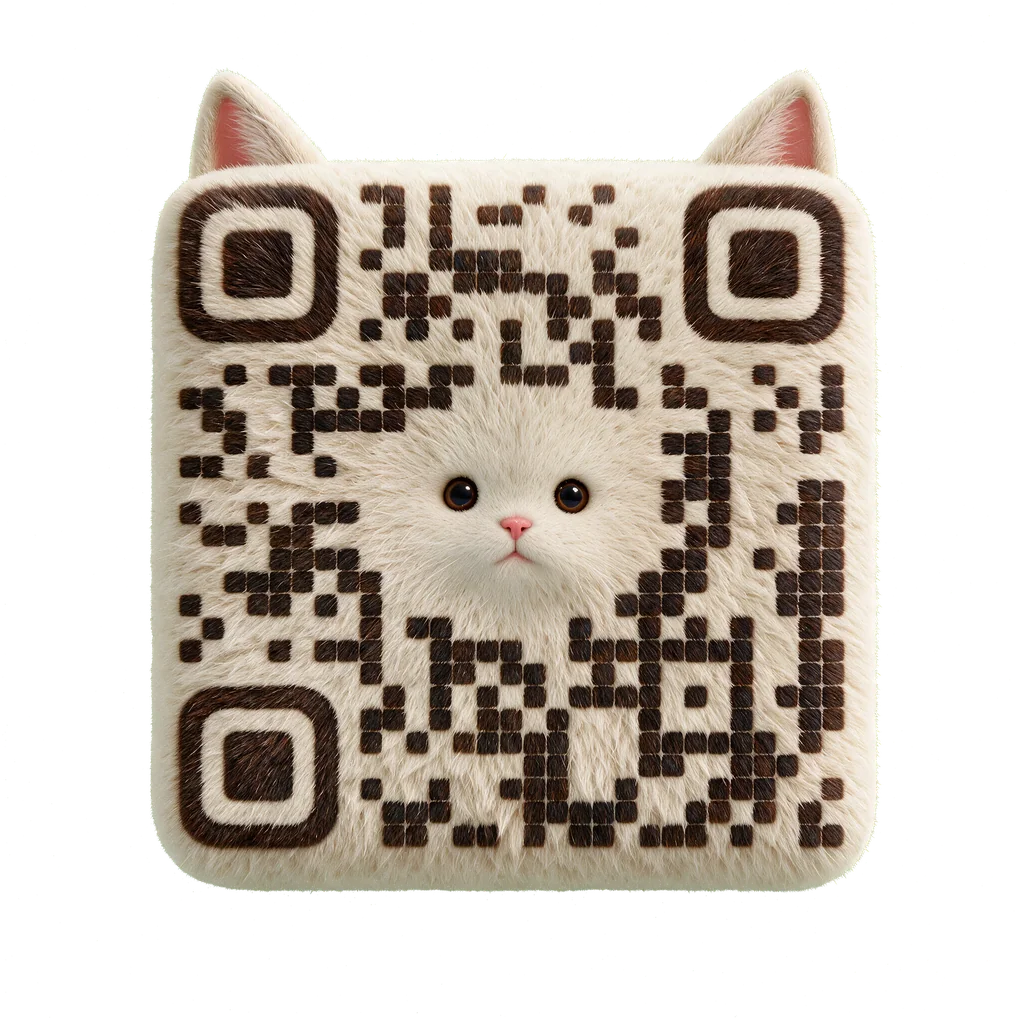
Animals and personalities make the code itself memorable without turning the QR into a sticker placed on top of art.
Candy, product-like forms, and dimensional surfaces give campaigns a clear visual hook.
Paper, ink, stone, and flowing forms carry the module network as a continuous visual system.
Both examples encode the same short link. Standard customization changes modules, colors, finders, and logos. Creative generation integrates the QR structure into a character, object, material, or scene.
https://qrpaw.xyz/SF0004%22%2F%3E%3Cmask%20id%3D%22qr-eye-1%22%3E%3Crect%20x%3D%2222%22%20y%3D%224%22%20width%3D%227%22%20height%3D%227%22%20rx%3D%220.8%22%20fill%3D%22white%22%2F%3E%3Crect%20x%3D%2223%22%20y%3D%225%22%20width%3D%225%22%20height%3D%225%22%20rx%3D%220.55%22%20fill%3D%22black%22%2F%3E%3Crect%20x%3D%2224%22%20y%3D%226%22%20width%3D%223%22%20height%3D%223%22%20rx%3D%220.38%22%20fill%3D%22white%22%2F%3E%3C%2Fmask%3E%3Crect%20x%3D%2222%22%20y%3D%224%22%20width%3D%227%22%20height%3D%227%22%20mask%3D%22url(%23qr-eye-1)%22%2F%3E%3Cmask%20id%3D%22qr-eye-2%22%3E%3Crect%20x%3D%224%22%20y%3D%2222%22%20width%3D%227%22%20height%3D%227%22%20rx%3D%220.8%22%20fill%3D%22white%22%2F%3E%3Crect%20x%3D%225%22%20y%3D%2223%22%20width%3D%225%22%20height%3D%225%22%20rx%3D%220.55%22%20fill%3D%22black%22%2F%3E%3Crect%20x%3D%226%22%20y%3D%2224%22%20width%3D%223%22%20height%3D%223%22%20rx%3D%220.38%22%20fill%3D%22white%22%2F%3E%3C%2Fmask%3E%3Crect%20x%3D%224%22%20y%3D%2222%22%20width%3D%227%22%20height%3D%227%22%20mask%3D%22url(%23qr-eye-2)%22%2F%3E%3C%2Fg%3E%3C%2Fsvg%3E)
Scanfolk checks the finished image against what it actually encodes. The badge belongs to the artifact and payload—not to a style name.
Validation uses the exact destination embedded in the finished QR, not a substitute test string.
Camera-like resize, JPEG, blur, luminance, and color-opponent variants test more than the clean source image.
A visual result is not treated as approved Creative QR art unless its exact payload clears the configured scan gate.
Use Creative when the QR should carry the visual idea. Keep Standard available when the job only needs a dependable conventional code.
Supported 2K generation costs 2 credits. Internal attempts do not add user charges.
See Creative pricingCreate a conventional QR in the browser and download it without signing up.
Use Standard freeA Creative QR makes the scannable structure part of a character, object, material, or scene. Standard customization changes the appearance of conventional modules but keeps the familiar square composition.
No. Creative output remains subject to an exact-payload scan gate. Rejected results are not publishable examples, and a passed image still needs a final placement test for its intended use.
A successful 1080 Creative result costs one credit. Supported 2K results cost two credits. The conventional Standard static generator is free.
Use the logo generator when you want a conventional branded QR. Use Creative when the QR itself should become the character, object, material, or visual scene.
Pick a tested template and add your link. Scanfolk generates the artwork and validates the exact payload before you download.