At a glance
- A direct Scanfolk Standard QR has no expiry timer added by Scanfolk.
- A web QR still needs a working destination and domain.
- A short-link QR also depends on the redirect service staying available.
What lasts in a static QR
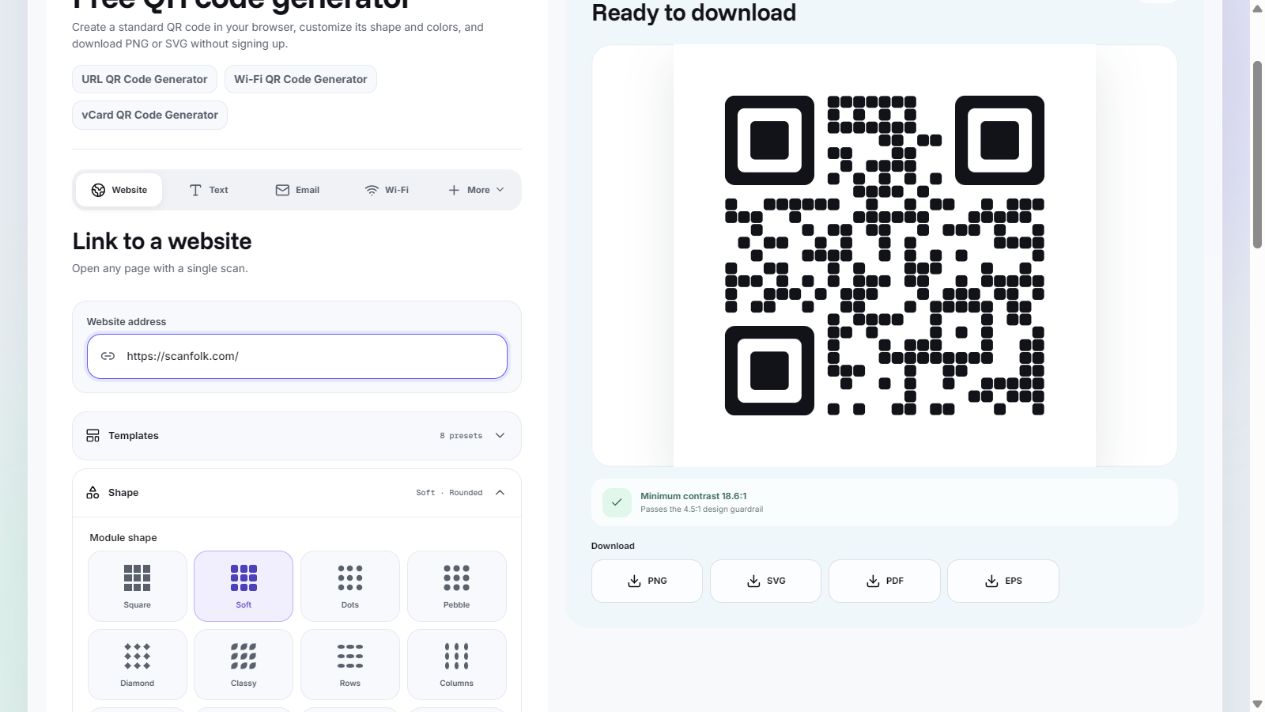
The saved pattern represents the same payload whenever it can be decoded. Downloading it once does not start a countdown in the image. Standard with tracking off does not add a Scanfolk expiry timer or require a Scanfolk redirect for a direct URL.
That does not make a website permanent. A domain can lapse, a page can move, hosting can stop, or a document can require sign-in. A QR containing temporary credentials or an expiring download link inherits the access limits of that payload.
Why a dynamic QR can stop working
A redirect QR needs its intermediate link to resolve before the visitor reaches the destination. An inactive link, a service outage, or a removed account can interrupt that path even when a phone reads the QR correctly.
Policies vary by provider. Do not assume that every free trial or cancelled plan behaves the same way. Check the terms for the specific link you are printing. Scanfolk tracking uses a short link; its QR image alone cannot guarantee perpetual service availability.
Find out what actually failed
First, try to decode the QR. If the camera cannot read it, check damage, glare, contrast, image compression, and size. Restore the clear border and test with another phone.
If it decodes, copy the encoded URL and open it in a browser. For a direct URL, check the destination. For a short link, inspect whether forwarding works, then check the final page. A login prompt or an expired access message can come from the destination rather than the QR generator.
Make a QR easier to maintain
For long-lived materials, use a stable public URL on a domain you control. Keep domain renewal and hosting active, and preserve old paths or redirect them when moving content. Avoid embedding a one-time session link.
Save the original image and destination, test the final printed version, and check the link periodically. A readable print is not evidence that its online destination still works. If the encoded content must change and you have no redirect-management control, replace the QR.
Sources and review
Reviewed by the Scanfolk editorial team on October 4, 2026. Interface examples were captured from the public Standard generator with a public Scanfolk URL. Technical references explain the quiet zone and the general redirect principle. Test your own finished QR in its intended setting.